Your AI Agent Should Meet You Where You Are
So, you’ve built your agent’s knowledge base. It has access to the information and tools it needs to make the right decisions on your behalf. But then you need to do something somewhere on the internet, while your agent sits inside its platform, doing nothing.
That’s what happens when you use simple agentic platforms that focus on doing one or a few things well, without considering how you actually work.
Keep help close to the work
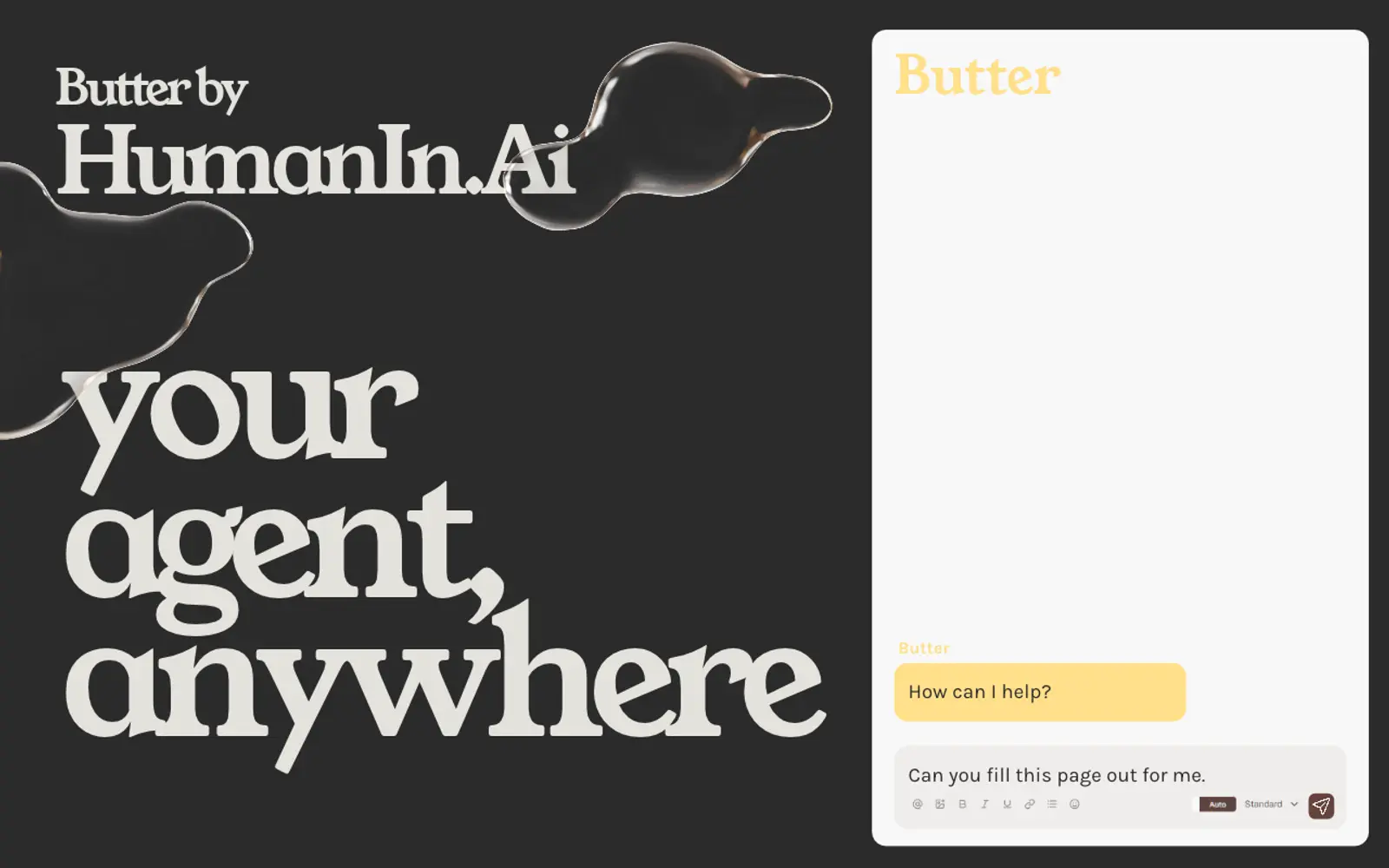
The Butter by HumanIn.Ai Chrome extension fixes that, bringing your favourite AI agent, Butter, right alongside you as you browse the web.
No additional configuration, no setting up environments, and no complicated permissions. Simply open the extension, log into your HumanIn.Ai account, and the same Butter agent you use on the web or in the app is available with the full context of what you have open.
AI that fits the way work happens
Whether you’re trying to find the right thing to buy to execute on a brief you’ve been given, filling out a job application for the 20th time, or finding the right people on LinkedIn to contact about an opportunity, you can now ask Butter to do the heavy lifting.
In your sidebar, Butter can read, take action, and navigate to new websites to achieve its goal, drawing on the access you’ve given it on HumanIn.Ai—not only for context, but also to take action and update information on the platform.
Build out your CRM hunting lists, fact-check your documents against information on the web, or fill out forms and applications.
A practical example: job hunting
I recently worked with a friend to use HumanIn.Ai to help them find a job. We started by feeding their application confirmation and update emails into the platform using a free email address.
Next, a simple workflow takes those emails and creates standardised tickets to track application progress. As each new email comes in, it looks for the relevant job to update its status, or creates a new one if it’s a fresh application.
Finally, with all their job applications tracked and a copy of their résumé already in their Drive, they used Butter in the new Butter by HumanIn.Ai Chrome extension to check whether they’d already applied for a job and to autofill application forms using information from their résumé.
Useful, because you stay in control
All the action happens in the browser, so you can stay in control, using the auto/manual toggle to let Butter skip asking you before doing anything.
Watching it take action can be a bit trippy and mesmerising, but you don’t have to watch: the work can continue even if the window is minimised and you’re working on something else. That’s the point, after all!
Privacy at its core
While Butter can see most of what’s on a page, payment information, “Place order” buttons, and other critical steps are always gated and require your confirmation before they happen, in either manual or auto mode.
Available now
You can try it out now using your free HumanIn.Ai account and the Butter by HumanIn.Ai extension.